You didn’t just use an app to order that morning coffee; you triggered a silent, invisible team of machines and rules working in perfect harmony. We often view our smartphones merely as magic glass boxes that independently fulfill our requests. Yet, according to researchers tracking the evolution of computer technology, this illusion masks a complex environment where physical parts and digital commands constantly collaborate.
Think about a bustling restaurant kitchen. The stoves and pans represent the hardware (the physical body), while the chef’s recipe acts as the software (the instruction manual) guiding those tools. Computerized system architecture is simply the digital version of this kitchen. It requires physical equipment, written rules, raw data (the ingredients), and human users to function as one unified team.
Without sturdy tools to follow directions, even the most brilliant recipe remains entirely useless. This interdependence forms the core of computerized system thinking. By recognizing how these distinct parts work together, the seamless magic behind your daily digital tasks makes logical sense.
Why Your Computer is More Than a Box: The Four Pillars of a Digital System
An ATM works flawlessly to give you cash in seconds because a hidden team of parts works in perfect harmony. Beyond just the plastic and wires you can see, the essential components of a digital system architecture form a complete, four-part ecosystem.
To understand this setup, picture a grocery self-checkout, which relies on four main pillars:
- Hardware (the body): The scanners and screens you physically touch, highlighting the role of input and output devices in computing.
- Software (the instructions): The invisible digital logic that calculates your total.
- People (the operators): You, the human-in-the-loop, feeding items to the machine.
- Procedures (the rules): The strict steps required, like paying before taking your receipt.
Most of us completely overlook those last two pieces. We often assume technology runs itself, but the seamless integration of hardware and software components means nothing without a human operator and clear guidelines. If a system lacked procedures, it wouldn’t know how to handle an accidental double-scan.
Your digital devices are not just isolated boxes; they are active partnerships that rely heavily on you.
The ‘Input-Process-Output’ Workflow: Mastering the Digital Conversation
Tapping a smartphone kickstarts a vital three-step conversation. This cycle Input, Process, Output reveals how a machine actually “thinks.” Just as baking a cake requires gathering ingredients first, the fundamental principles of electronic data processing demand an initial trigger. That trigger is the input, where you feed raw facts into the device.
Once those details enter the machine, the software acts as the master chef to transform them. During this processing phase, hidden instructions calculate and organize the data behind the scenes. Whether using a smart thermostat or a banking app, all types of computerized information systems rely on this invisible middle step to understand your requests.
The conversation ends when the system hands a finished result back to you. This reveals the true role of input and output devices in computing: screens, speakers, and printers simply translate the machine’s invisible math back into human terms.
The Death of the Paper Trail: Why Digital Automation Beats Manual Work
Consider a librarian manually writing down every book checked out, calculating due dates on paper, and filing the cards. That sluggish Input-Process-Output cycle highlights the stark contrast between manual vs automated data processing. While a human takes minutes to finish a single task, a computerized system handles thousands of inputs in the blink of an eye.
Faster processing wouldn’t matter if it just meant making mistakes quicker. Computerized systems improve business efficiency safely by relying on automated validation, a built-in safety net where the software instantly double-checks incoming information against a strict set of rules. Reducing human error through digital automation specifically prevents three common disasters:
- Calculation mistakes when adding up numbers.
- Lost physical records that accidentally slip behind a desk.
- Delayed communication between departments waiting on paper forms.
Escaping those costly blunders highlights the true benefits of transitioning to computerized workflows. The system takes over the tedious counting and filing, letting people focus on making actual decisions rather than shuffling paper. Better yet, every action the computer takes is tracked flawlessly.
The ‘Receipt’ That Never Lies: How Audit Trails Protect Your Information
Picture buying a coffee with a debit card, only to find the bank accidentally changed your purchase amount from three dollars to thirty. That nightmare is prevented by data integrity, the system’s promise that your information remains accurate and unchanged. Trusting these digital files is crucial. Strict compliance requirements for electronic record keeping ensure businesses treat your digital data with the same careful protection as a locked filing cabinet.
Behind the scenes, software creates a permanent, invisible receipt for every action. Properly built audit trails of computer systems include a detailed history of who did what, exactly when, and what changed. Think of it like a security camera for your files. If someone tries to alter a record or accidentally deletes a folder, this unchangeable log acts as the ultimate truth-teller, making it impossible to hide mistakes.
Protecting this permanent record is what maintains data integrity and security in networked systems, keeping everything from hospital charts to online banking completely reliable.
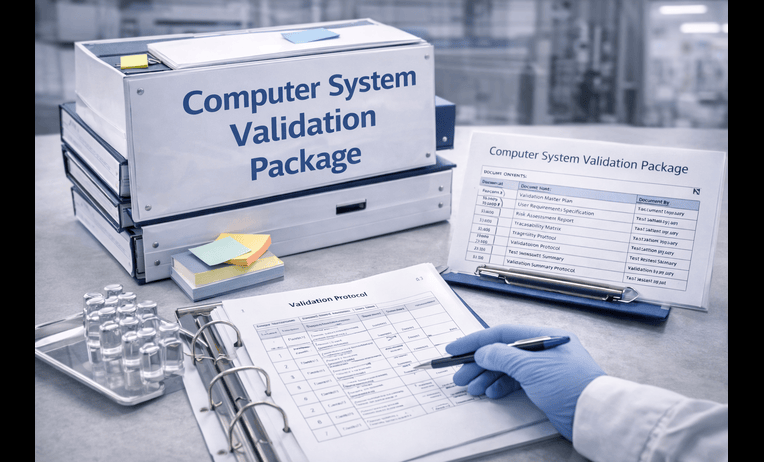
The Quality Check: Why Computer Systems Validation (CSV) Is Your Safety Net
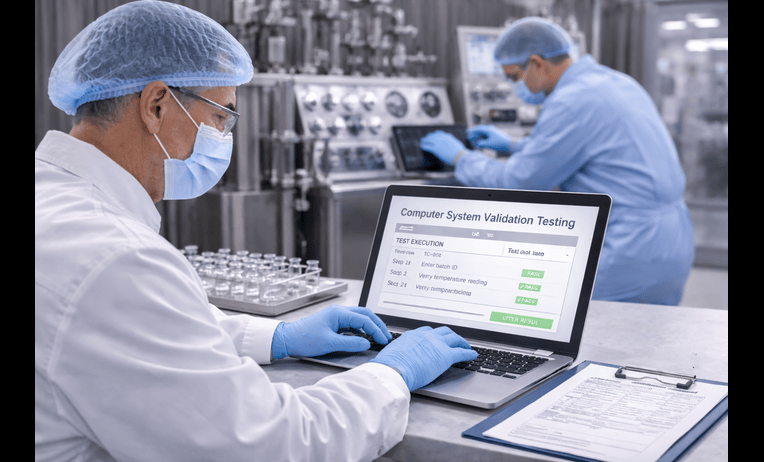
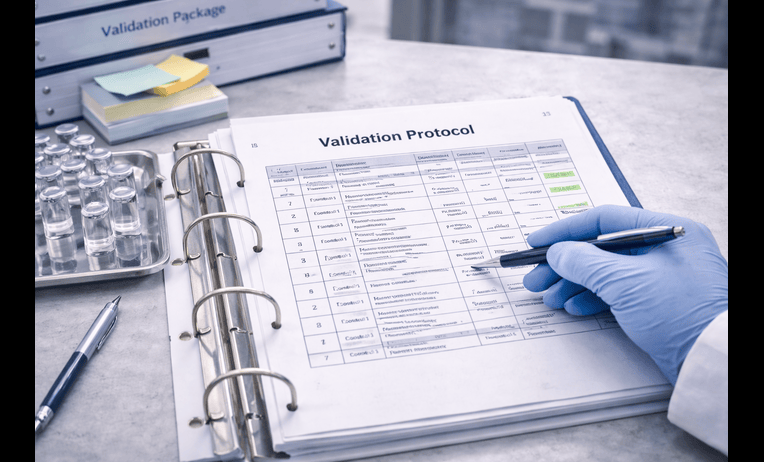
You wouldn’t trust a pharmacy’s automated pill dispenser if the creators simply assumed it worked. When health, safety, or strict industry rules are on the line, companies rely on Computer Systems Validation (often abbreviated to CSV). This vital process acts as an ironclad guarantee proving a piece of technology consistently does exactly what it promises without fail.
Think of standard testing as checking if a car’s engine turns on, whereas computer systems validation proves that car can safely drive across the country in a blizzard. Validation ensures the hardware (the physical parts), software (the digital instructions), and human procedures work together flawlessly. To achieve this high level of certainty, teams follow a strict blueprint known as the computerized system validation lifecycle.
This journey tracks the technology from its initial idea to its final retirement:
- Defining needs: Detailing exactly what the system must accomplish.
- Building the system: Creating the digital and physical setup to meet those exact goals.
- Testing the rules: Proving the system handles both normal tasks and unexpected errors safely.
- Ongoing maintenance: Keeping the system updated, locked down, and secure over time.
Completing this thorough computer validation ensures your audit trails remain secure and system mistakes are caught long before they reach you.
Real-Time vs. Big Batch: Choosing the Right System for the Job
A credit card updates instantly at the store, but a paycheck takes days to clear. This highlights two completely different ways technology handles information. The store swipe relies on real-time processing, meaning the system reacts the exact second you trigger it. Meanwhile, your paycheck uses batch processing, where the computer saves up thousands of tasks and handles them all at once during scheduled overnight downtime.
Driving these instant or scheduled decisions requires a specialized instruction manual hidden deep inside your everyday gadgets. Think about your home thermostat or a microwave. They run on firmware permanent software baked directly into the physical hardware. When managing critical safety controls, like a car’s anti-lock brakes, developers rely on real-time operating systems and firmware to guarantee the machine reacts perfectly without ever freezing or pausing to think.
Selecting whether a daily task needs an immediate response or a scheduled update is a major choice for any business. When implementing computer-based systems in organizations, leaders must match the processing speed to the actual goal to avoid wasting money on unnecessary computing power.
Your Digital Roadmap: Turning System Knowledge into Smarter Choices
A computerized system isn’t just a glowing piece of hardware; it’s an active ecosystem where physical devices, software instructions, data, and people continuously collaborate.
Put this perspective to work. Whether implementing computer-based systems in organizations or simply setting up a smart home device, try this 3-Step System Audit on your favorite digital tool:
- Identify the 4 pillars: Spot the hardware, software, data, and human roles.
- Trace the data flow: Follow how your input turns into a processed output.
- Check the audit safety net: Find the rules keeping the process secure.
Next time a digital checkout freezes, you won’t just feel frustrated—you will intuitively know which piece of the puzzle failed. Applying this system-level thinking empowers you to troubleshoot basic issues and make smarter digital choices.