In today’s highly regulated industries from pharmaceuticals and healthcare to advanced clinical research relying on digital tools is no longer just an operational upgrade; it is a fundamental necessity. However, with great technological power comes the strict responsibility of ensuring data integrity, security, and traceability.
If you operate within a regulated environment, you know that proving your software works as intended is just as important as the software itself. This guide breaks down the core concepts of system compliance, explores the shift in regulatory thinking, and details exactly what the audit trails of computer systems include to keep your organization secure and compliant.
Defining the Digital Infrastructure
To understand compliance, we first need to define the foundational elements. Often, industry newcomers ask: what is computerized system technology, and how does it differ from basic software?
Simply put, a computerized system encompasses much more than just code. When professionals ask what is computerised system technology (using the British spelling common in global regulations), they are referring to a broad ecosystem. It includes the hardware, software, network infrastructure, operating procedures, and the personnel interacting with it. Whether it’s an electronic Quality Management System (eQMS), laboratory information management software, or complex manufacturing equipment, treating these elements as a single, unified system is the first step in managing risk.
The Basics of Computer System Validation (CSV)
Once a system is implemented, how do you prove it is reliable? This is where computerized system validation comes into play.
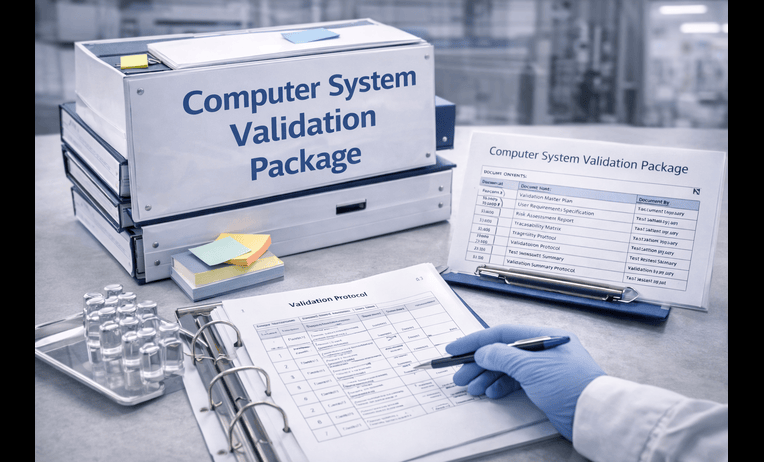
The csv full form stands for Computer System Validation. In essence, computer system validation is the documented process of ensuring that an IT system consistently performs its intended functions securely and accurately.
Why Validate?
Proper computer validation protects your data from corruption and ensures product quality. Without rigorous system validation, a software glitch in a manufacturing plant could lead to severe product defects, or a data error in a clinical trial could compromise patient safety.
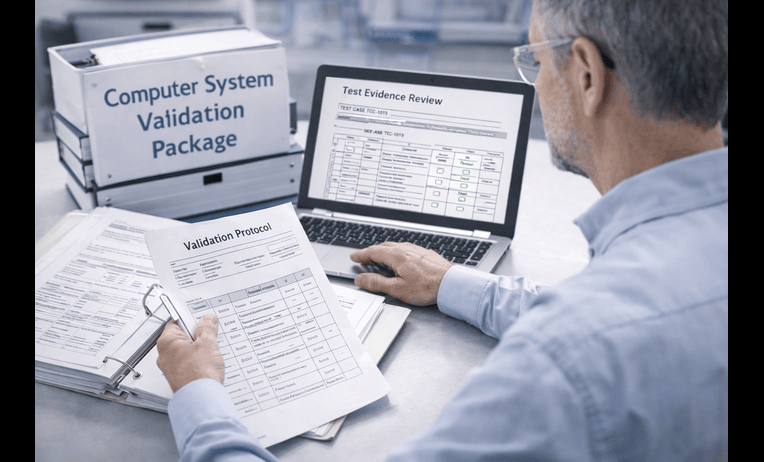
When executing computer systems validation, teams typically follow the GAMP 5 (Good Automated Manufacturing Practice) V-model. This involves writing user requirements, functional specifications, and conducting performance qualifications. In the life sciences sector, robust csv validation is legally mandated. Because of the complexity of these workflows, many organizations now invest in specialized pharma validation software to digitize, automate, and streamline their testing protocols.
Validation in Research
Implementing best practices for software validation in research settings involves a few critical steps:
- Risk-Based Approach: Focus your testing efforts on the system features that impact patient safety or data integrity the most.
- Vendor Audits: Always assess your software vendor’s internal quality controls.
- Clear Documentation: Maintain clear trace matrices linking requirements to test scripts.
The Evolution: FDA Guidelines and the Shift to CSA
For decades, fda software validation has been a heavily document-centric process. Companies spent thousands of hours generating screenshots and paperwork just to prove compliance. However, regulatory bodies have realized that excessive documentation slows down innovation.
Enter the fda’s new software validation requirements. The industry is currently undergoing a paradigm shift from traditional CSV to fda computer software assurance (CSA).
CSV vs CSA: What’s the Difference?
The debate of csv vs csa boils down to critical thinking versus rote documentation.
- CSV (Computer System Validation): Traditionally focuses on generating comprehensive documentary evidence for every single system function, regardless of risk.
- CSA (Computer Software Assurance): Emphasizes critical thinking, risk management, and ad-hoc or unscripted testing. It reduces the documentation burden for low-risk systems, allowing quality teams to focus on high-risk features that directly impact patient safety and product quality.
The Core of Compliance: Decoding the Audit Trail
No matter which validation methodology you use, system traceability remains non-negotiable. If you want to prove that your data is trustworthy, you need a robust audit trail.
So, what are essential audit log components? According to FDA 21 CFR Part 11 and EU Annex 11, the audit trails of computer systems include secure, computer-generated, time-stamped records that independently record the date and time of operator entries and actions.
More specifically, a fully compliant audit trails of computer systems include:
- Identity of the User: Exactly who created, modified, or deleted the record.
- Action Taken: Whether a record was created, updated, or voided.
- Old vs. New Values: If a parameter is changed (e.g., changing a lab result from 5mg to 50mg), the system must show both the original value and the updated value.
- Reason for Change: Users must often select or type a reason for modifying critical data.
- Digital Timestamps and Sequence: The exact date and time of the event, recorded in a strict, unalterable chronological order based on a secure server clock (not the user’s local machine time).
Audit Trails vs Transaction Logs
It is important to understand the difference between audit trails vs transaction logs. While both record system events, transaction logs are primarily used by IT administrators for database recovery and troubleshooting system crashes. Audit trails, on the other hand, are designed specifically for regulatory compliance, data integrity, and tracking user interactions with business data.
Strengthening Security and Data Integrity
An audit trail is only as good as the security framework surrounding it. Monitoring user activity logs is essential for maintaining strict user accountability in computing. When users know their actions are inextricably linked to their unique digital identity, adherence to standard operating procedures naturally increases.
Proactive Threat Detection
Beyond internal compliance, analyzing activity logs is a frontline defense for detecting unauthorized system access. If an employee attempts to log into a restricted clinical database multiple times in the middle of the night, a well-configured system will flag this anomaly. Furthermore, tracking administrative privilege changes ensures that no single user can secretly grant themselves “super-admin” rights to manipulate data and then erase the evidence.
Ensuring Data Accuracy
To complement user tracking, organizations must employ robust data integrity verification methods. Techniques such as cryptographic hashing, checksums, and digital signatures guarantee that a file hasn’t been corrupted or maliciously altered since it was last saved.
Best Practices for Managing Audit Trails and Logs
Capturing data is only half the battle; managing it effectively is the other. Modern organizations generate millions of log events daily. Trying to review these manually is impossible, which is why implementing log management systems is highly recommended.
Automation and Monitoring
Using automated event logging tools ensures that human error is removed from the tracking process. These tools work silently in the background, capturing every keystroke and system call required for compliance.
To take security a step further, enterprise organizations rely on SIEM integration for log tracking. A Security Information and Event Management (SIEM) system aggregates data from various software, network devices, and firewalls into a single dashboard. The benefits of continuous security monitoring via SIEM include real-time alerts, rapid incident response, and the ability to correlate seemingly unrelated events to detect sophisticated cyber threats.
Post-Incident Investigations
If a security breach or data discrepancy does occur, having a centralized, immutable log repository is invaluable. IT and security teams rely heavily on these logs for the forensic analysis of system records, allowing them to trace a breach back to “patient zero” and patch the vulnerability.
Retention Strategies
A common question among compliance officers is: how long to retain audit records? The answer depends entirely on your specific regulatory compliance requirements. In life sciences and healthcare (under HIPAA, FDA, or EMA regulations), audit logs must generally be retained for as long as the electronic records they support are retained. For pharmaceutical manufacturing, this could mean keeping logs for the entire lifecycle of a product plus several years after it is discontinued. Data archiving strategies must be established early to ensure logs remain readable and accessible over decades.
Conclusion
Understanding the intricacies of computerized systems is critical for operating safely in today’s modern, regulated landscape. From defining the basic architecture to executing thorough validation, every step is designed to safeguard data and protect end-users.
As the industry shifts from heavy, document-focused validation towards more agile, critical-thinking frameworks like CSA, the reliance on automated system tracking only grows. Ensuring that your audit trails of computer systems include every necessary component from precise digital timestamps to clear user accountability is the ultimate safeguard against both compliance failures and cybersecurity threats. By embracing modern logging tools and continuous monitoring, businesses can move beyond mere compliance, turning their digital systems into engines of trustworthy, secure innovation.